[Case 02]
UFinance
FinTech
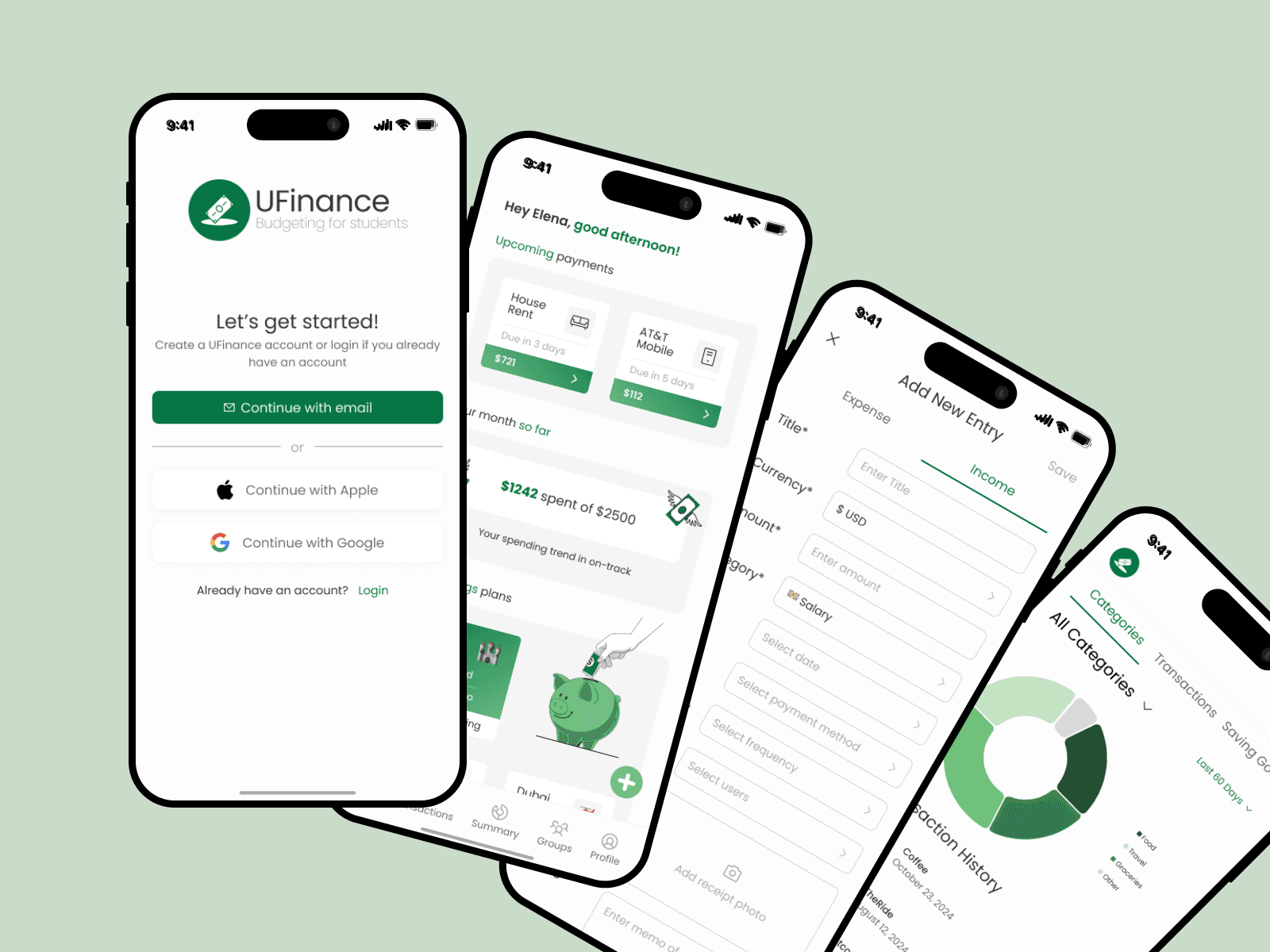
Student Budgeting App
[Project Overview]
UFinance aims to empower students with the tools they need to manage their personal finances efficiently, reduce financial stress, and build better spending habits for the future.
[Problem Statement]
Students often lack clear visibility into their spending. Without intuitive tools, they fall into habits of overspending, forgetting due payments, and mismanaging money across multiple platforms (e.g., Venmo, Cash App, credit cards).
How might we help students easily track daily spending across categories like food, transportation, and entertainment to plan expenses and identify areas to save?
[User Research]
User Interviews
We interviewed 10 college students (ages 18–26) with varied financial habits and tools (Excel, Mint, pen & paper).
Key findings:
• Familiarity Wins Trust 🔨 “I’ve been using Excel for years. I trust it more than apps because I can see exactly what’s happening.”
• Privacy is Paramount 🔒 “Privacy is always a concern when handling sensitive financial information.”
• Need for Visual Clarity 📊 “It would be great if apps categorized Venmo payments automatically.”
• Peer Pressure = Overspending 🛍️ “Living in NYC, it’s hard not to overspend—especially with my friends.”

User Flows and Information Architecture
We first created an Information Architecture of the entire app after a lengthy brainstorming session!
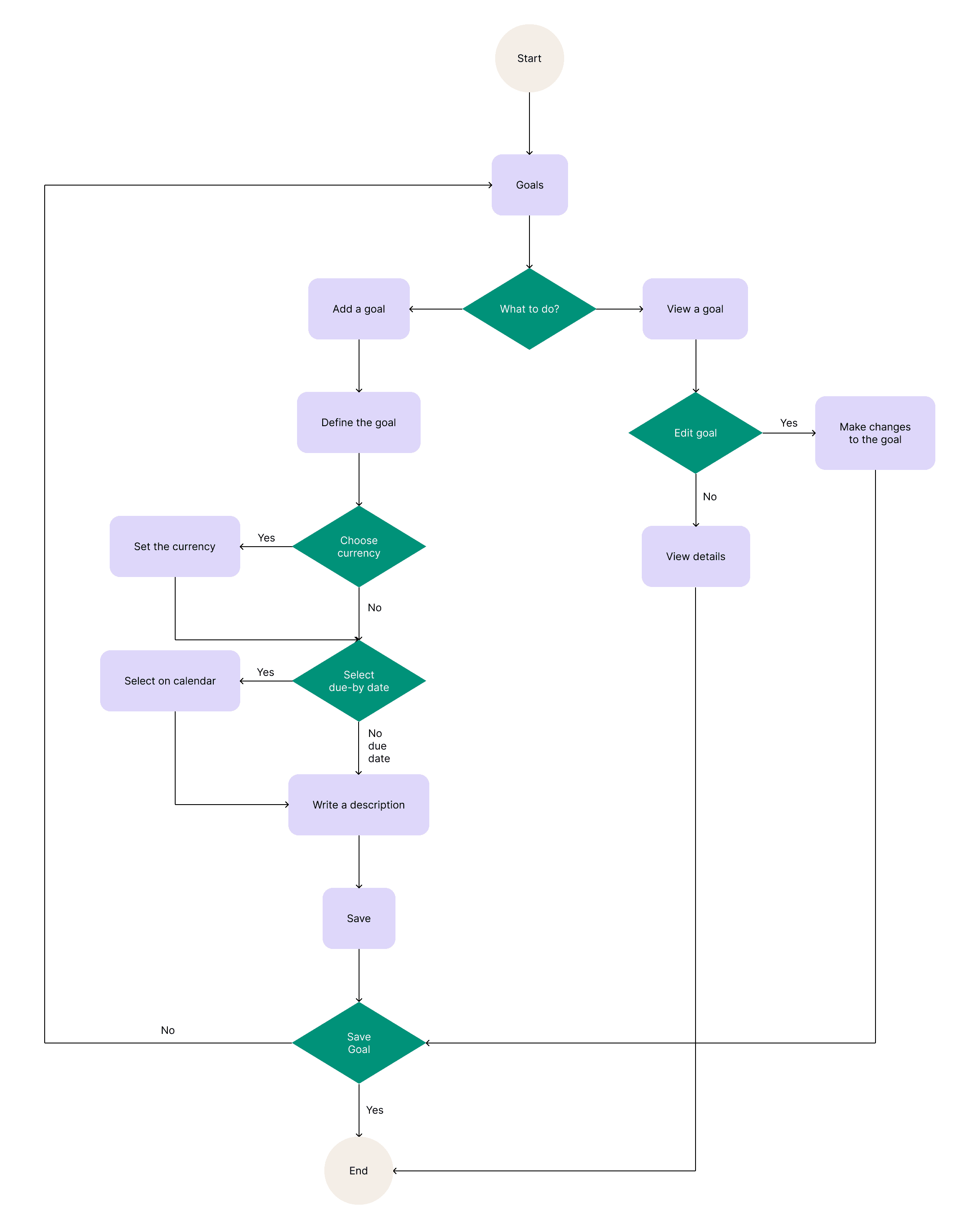
We then created certain user flows including our goals feature displayed below the IA
Wireframes
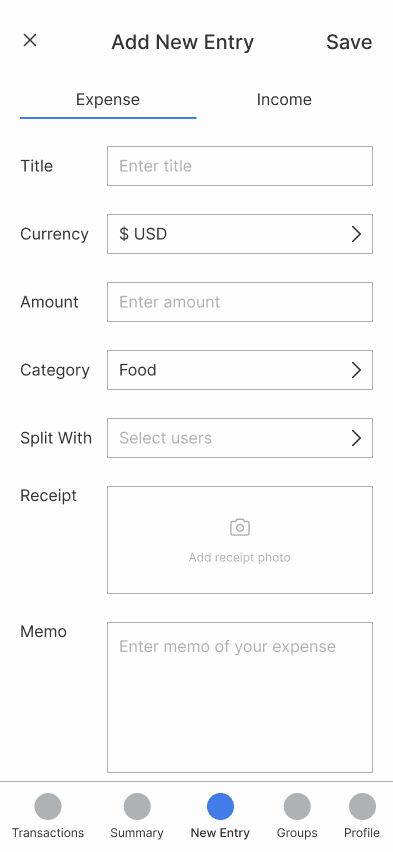
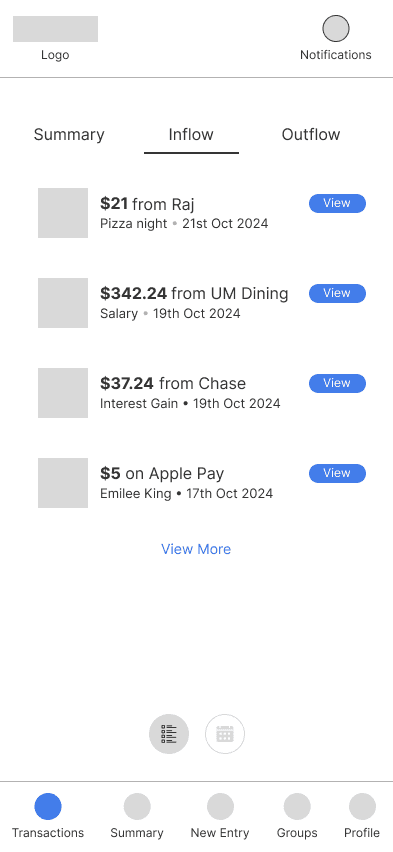
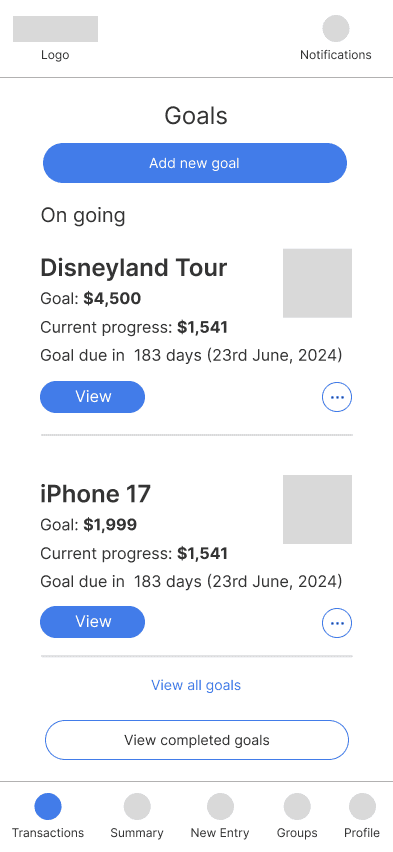
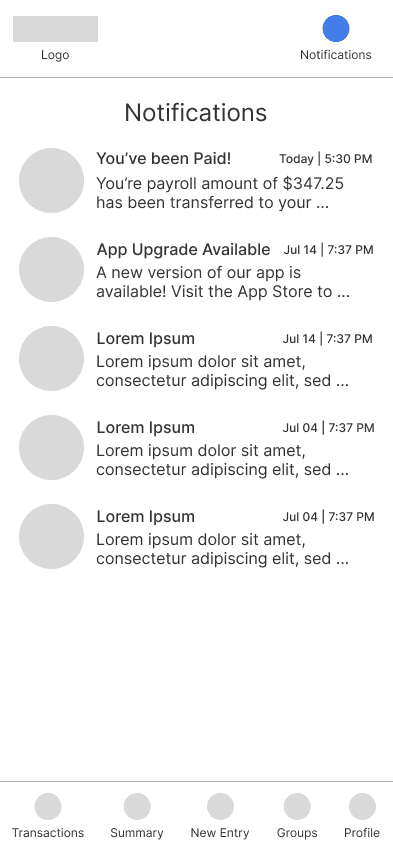
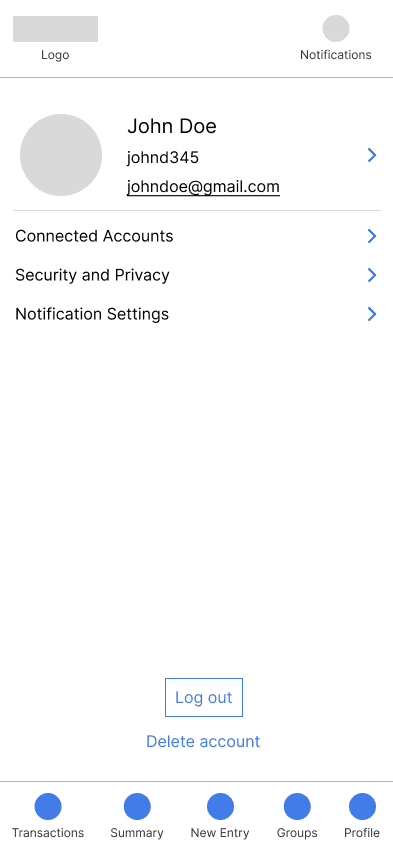
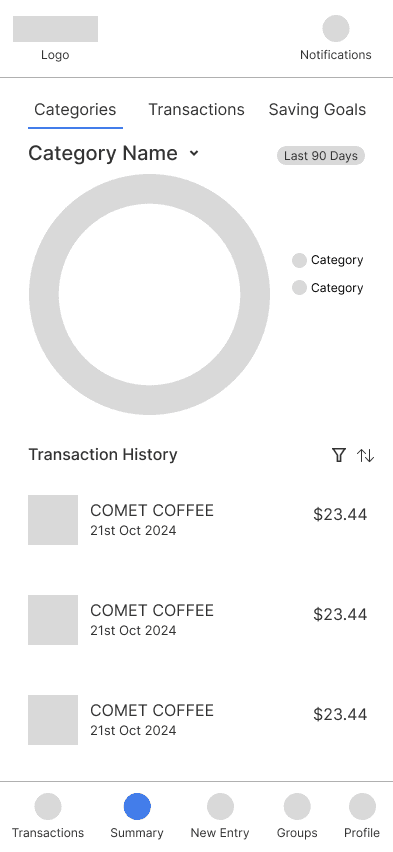
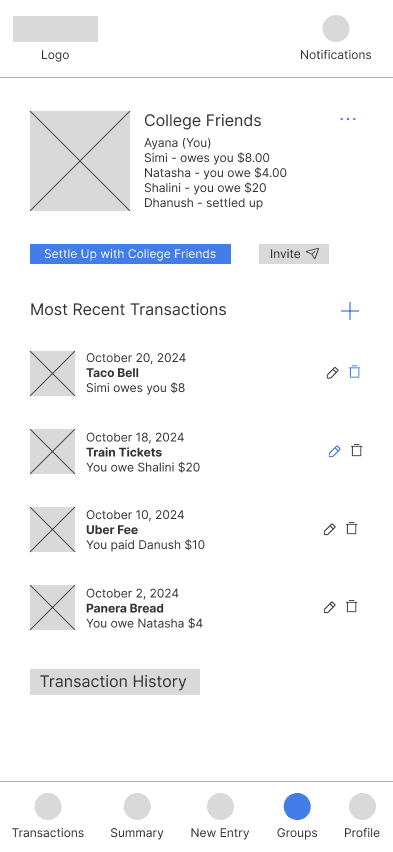
Then we sketched wireframes for all screens:
• Quick Entry 💲
• Transactions & Goals 💰
• User Profile & Notifications 👤
• Summaries 📊
• Groups 👥
Usability Testing
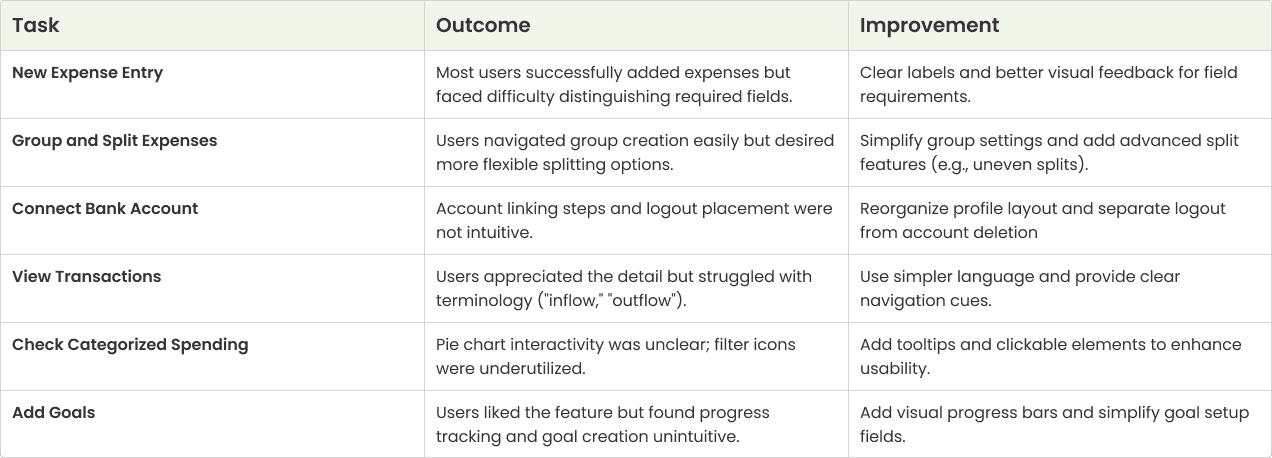
10 college students tested our prototype through structured, scenario-based tasks. Scenarios included: • Add a new expense • Create a group and split a bill • Connect a bank account • View spending breakdown Set savings goals
Key Issues Discovered:
• Goals Page: Confusing savings progress visuals
• Transactions: Unclear pie charts and terminology
• Bank Integration: Poor button placement and navigation flow
• Group Splits: Limited options and vague language
Iteration and Implementation based on testing feedback, we made major improvements:
✅ Redesigned Goals Page with clear progress bars and simplified terms
✅ Updated Transaction Summaries with intuitive, accessible charts
✅ Streamlined Bank Integration for better navigation
✅ Introduced a Homepage with personalized financial overview
✅ Improved Group Features with better split options and confirmation screens


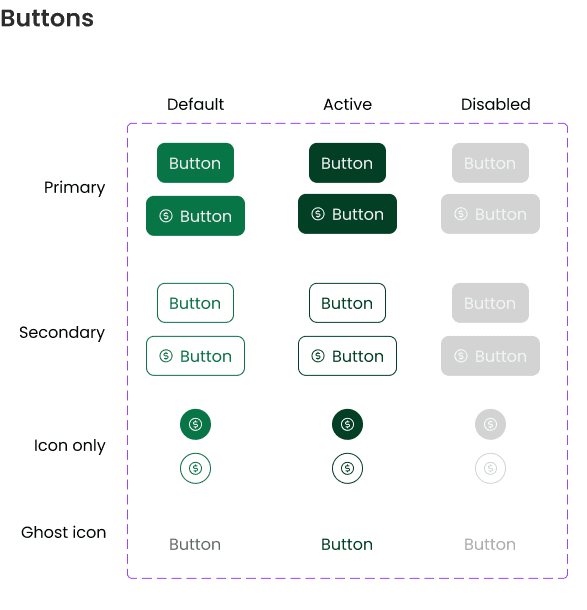
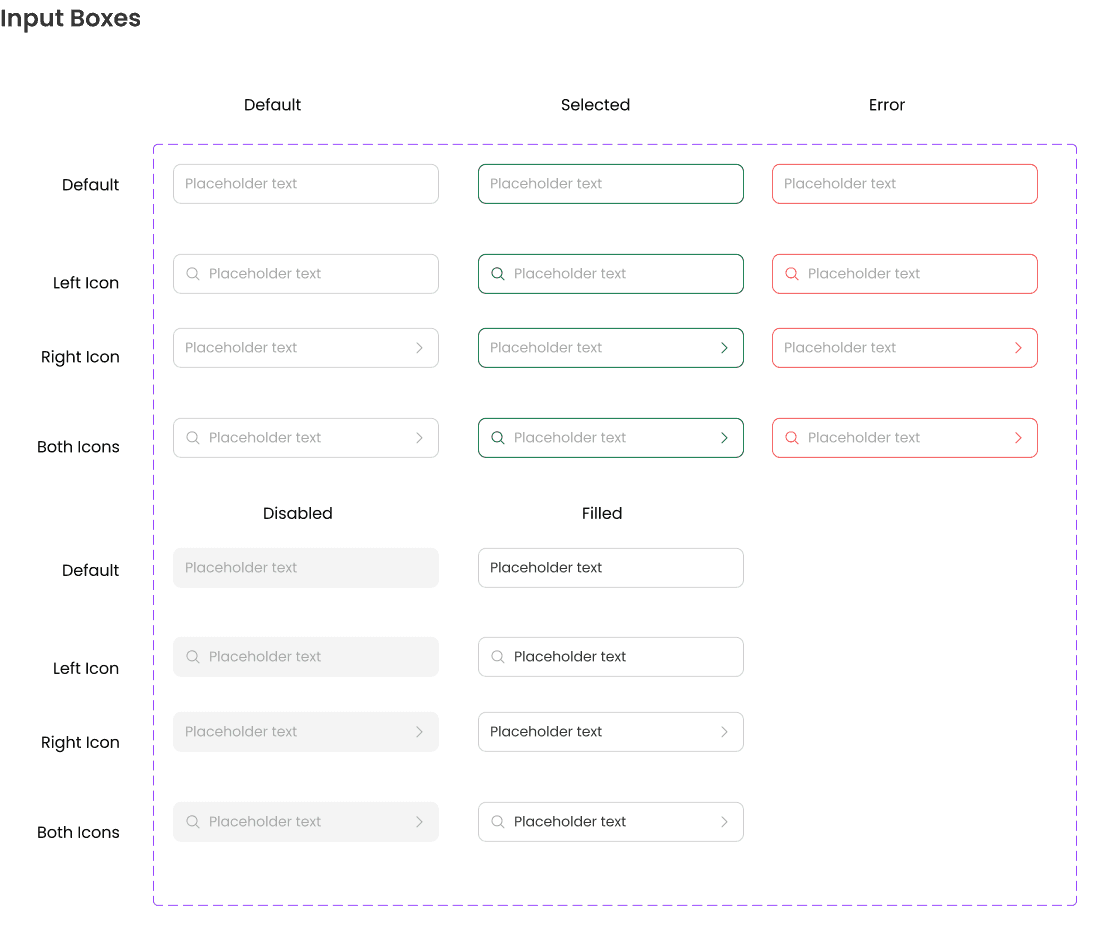
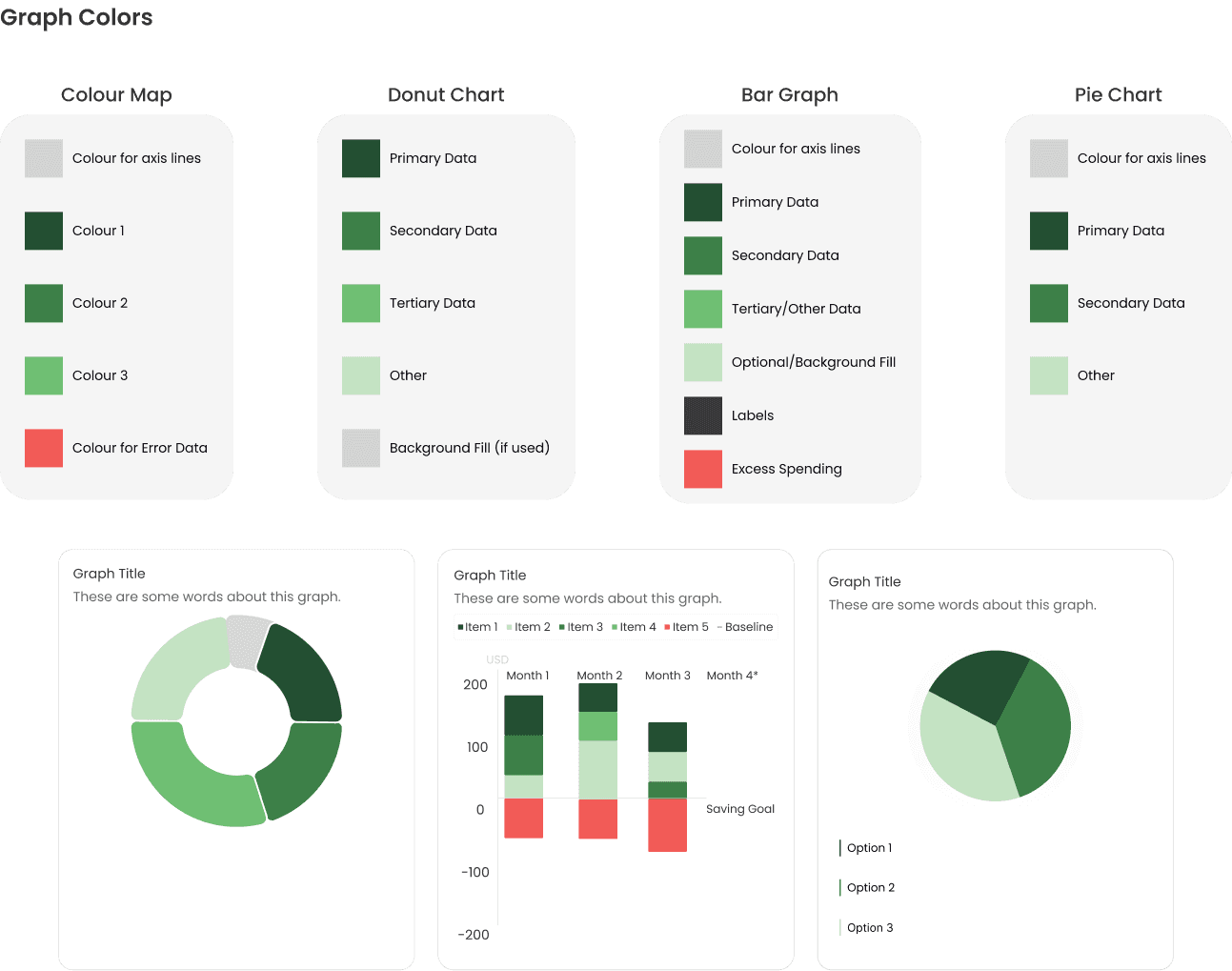
High Fidelity Prototype
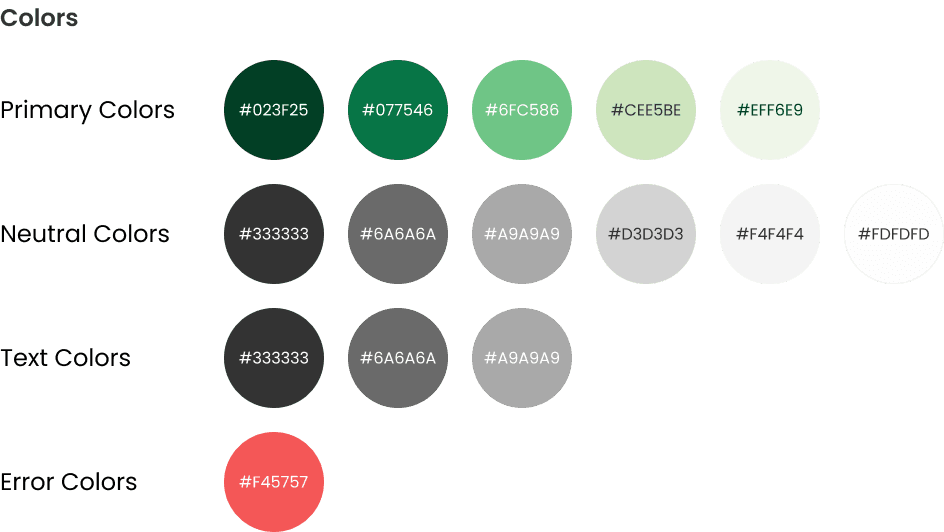
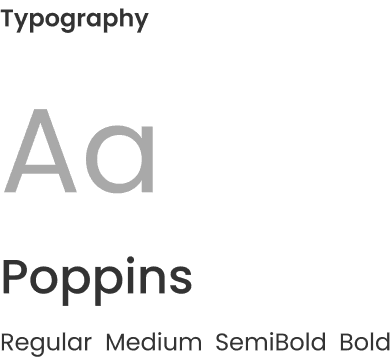
Created all high fidelity mockups based on iterative feedback from user testing and consistency from design system.
After connected all the screens into one prototyped flow.
Clickable prototype:
Refined prototypes through three testing cycles, leading to higher usability scores and increased confidence among student participants managing financial budgets by 80%.
10/10 users were satisfied by final product and would recommend to other students
40% improvement in perceived ease of use, as measured by post-launch user testing.
Design for Students, with Students:
Direct collaboration with peers uncovered real budgeting struggles and guided solutions that felt practical, approachable, and empowering.
Clarity Over Complexity:
Even small interface improvements, like visual summaries and clear progress indicators, helped students feel more in control of their finances.
Iteration is Impactful:
Testing, refining, and retesting showed how incremental tweaks (not just big features) can meaningfully boost usability and confidence.